

Why Microsoft Power Automate Users Trust Advintek
What is Advintek's E-Invoice Connector for Microsoft Power Automate?
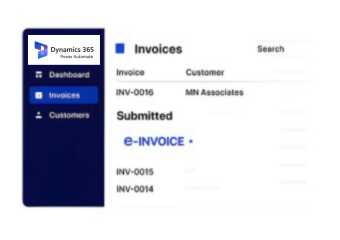
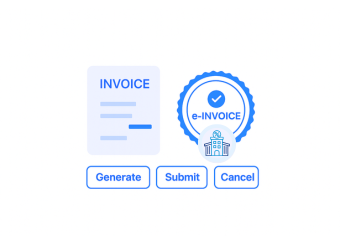
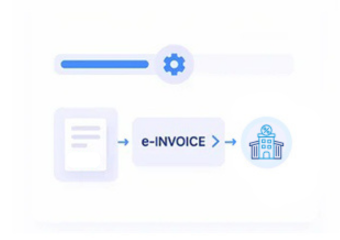
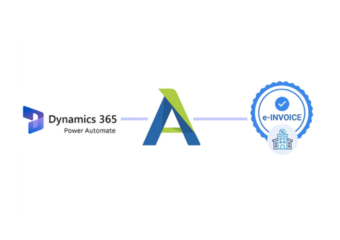
If your business automates finance processes through Microsoft Power Automate and you’re managing e-invoicing mandates across multiple countries, this connector closes that gap without rebuilding your flows. It handles format conversion, compliance submissions, live status updates, and cancellations entirely within your Power Automate environment.
- Auto-converts invoice to globally compliant XML
- Direct submission without leaving Power Automate
- Real-time invoice status tracking
- Corrections and cancellations handled automatically
Built for Finance and Operations Teams Using Microsoft Power Automate Globally
Businesses running Microsoft Power Automate across enterprise workflows, managing cross-border transactions, and keeping up with international tax reporting need more than a basic API connection. Advintek slots into how Power Automate teams already build and run their automation; e-invoicing compliance operates as part of your existing flows rather than creating a separate system to manage alongside them.
- Submit, manage, and cancel e-invoices instantly
- Supports FreshBooks, MYOB, QuickBooks, Xero, Zoho
- Secure retention for full audit compliance
- End-to-end automation reduces errors and time
Microsoft Power Automate E-Invoicing Compliance
Advintek delivers secure, real-time global e-invoicing compliance for Microsoft Power Automate.
Can't find your ERP? Get in touch. We specialise in extending our e-invoicing integration to platforms beyond standard connectors.
Ready e-Invoice System
Everything You Need to Know
1. How does Advintek use Microsoft Power Automate for e-invoicing compliance?
Power Automate triggers Advintek’s workflows automatically — invoices are submitted the moment they meet your defined conditions.
2. Can Power Automate be used to schedule or batch e-invoice submissions?
Yes — you can configure Power Automate flows to submit invoices on schedule or in batches automatically.
3. Does Advintek return submission status updates back into Power Automate workflows?
Yes — confirmation and status data feeds back into your Power Automate flow for full end-to-end visibility.
4. Can invoice cancellations be triggered automatically through Power Automate?
Yes — cancellation workflows can be built inside Power Automate and executed through Advintek without manual steps.
5. Is the Power Automate connector suitable for businesses with complex invoice approval workflows?
Yes — it was designed to fit inside multi-step approval and processing flows without disrupting existing logic.