


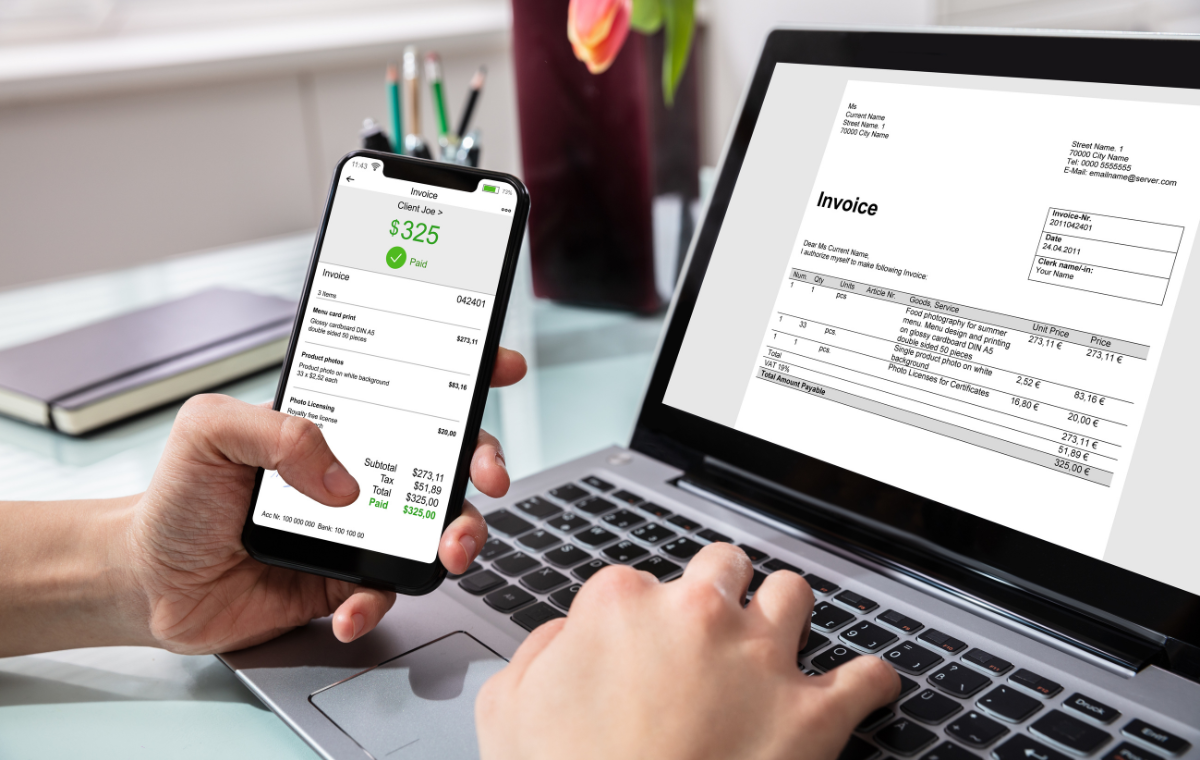
ERP e-Invoicing Integration Malaysia is the technical and operational foundation that connects enterprise resource planning systems to LHDN’s MyInvois platform — enabling structured invoice submission directly from the ERP’s invoice generation workflow without manual data re-entry or portal interaction at the point of each transaction. For businesses running ERP platforms as their operational backbone, ERP e-Invoicing Integration Malaysia is not optional infrastructure — it is the compliance approach that matches the scale, data volume, and integration depth that enterprise invoicing environments require. This guide covers the integration architecture, implementation process, common challenges, and best practices for achieving reliable, scalable ERP Malaysia e-Invoicing across every major ERP environment. The Advintek Malaysia portal provides certified ERP e-Invoicing Integration Malaysia services for businesses across all ERP platforms and transaction types.
What Is ERP Integration for Malaysia e-Invoicing?
Why ERP Integration Is the Enterprise Compliance Approach
ERP e-Invoicing Integration Malaysia connects the ERP system’s invoice generation module directly to LHDN’s MyInvois API — establishing a software-to-software compliance pipeline where invoices generated within the ERP flow automatically through structured validation and MyInvois submission without any manual intervention between ERP invoice creation and LHDN confirmation. For businesses generating hundreds or thousands of invoices per month from their ERP, this direct integration is the only approach that delivers scalable, reliable compliance without proportionally scaling the billing team’s manual workload.
Native Connectors vs Middleware Integration
ERP e-Invoicing Integration Malaysia is achieved through one of two technical approaches: a native certified connector built into the ERP platform by the vendor, or a certified middleware layer that sits between the ERP and the MyInvois API. Businesses on cloud accounting platforms such as Xero Accounting Software Malaysia benefit from vendor-maintained native connectors that deliver ERP e-Invoicing Integration Malaysia through platform configuration rather than custom development. Businesses on enterprise ERP platforms without native connectors require middleware development — a more complex but equally effective integration path when properly implemented.
Why ERP Integration Is Important for LHDN Compliance
Data Consistency Across Finance and Compliance Systems
ERP e-Invoicing Integration Malaysia ensures that the invoice data submitted to LHDN’s MyInvois platform is identical to the invoice data recorded in the ERP’s financial records — eliminating the data discrepancies that manual re-entry creates when billing staff transcribe invoice information from the ERP into the MyInvois portal by hand. Data consistency is not just an accuracy concern — it is an audit trail requirement. If the ERP invoice record and the LHDN MyInvois submission record contain different values for any field, the discrepancy creates compliance exposure during tax audit.
Elimination of Compliance Bottlenecks
In businesses without ERP e-Invoicing Integration Malaysia, the MyInvois portal submission step creates a compliance bottleneck between invoice generation and payment collection — where the billing team must complete manual portal entry for every invoice before it achieves legal validity. This bottleneck worsens as invoice volume grows, and represents a structural scalability limit that no amount of billing headcount can eliminate permanently without the automation that direct ERP integration delivers.
Step-by-Step ERP Integration Process
Step 1 — ERP Readiness Assessment
Begin every ERP e-Invoicing Integration Malaysia project with a structured readiness assessment of the ERP platform — confirming the version, configuration, and invoice generation capability against MyInvois integration requirements. Businesses on platforms such as K-Bolt Business Software Malaysia should confirm with the vendor the current status of their platform’s certified MyInvois connector availability, since ERP integration capability varies significantly across versions and configurations of even widely deployed business software platforms.
Step 2 — Invoice Data Mapping
Map every field in the ERP’s invoice format to the corresponding mandatory field in LHDN’s structured e-Invoice schema. This mapping exercise identifies fields the ERP captures in formats different from what LHDN requires, mandatory LHDN fields not currently captured by the ERP’s standard invoice data model, and tax classification mappings that must be configured to ensure each ERP product or service code generates the correct LHDN tax category in the submitted invoice. ERP MyInvois integration projects that invest time in thorough data mapping before any integration development begins consistently deliver lower post-go-live rejection rates than those that discover mapping gaps during live operation.
Step 3 — Integration Development or Connector Configuration
For ERP platforms with native connectors, this step involves configuring the connector with MyInvois API credentials, testing the authentication flow, and mapping the ERP’s invoice data to the connector’s input schema. For platforms requiring middleware, this step involves developing the middleware service — the software layer that receives invoice data from the ERP’s API or data export, transforms it into LHDN’s required JSON format, manages OAuth authentication, submits to MyInvois, and routes validation responses back to the ERP. Large enterprises on platforms such as Macola ERP Malaysia should allocate a minimum of six to eight weeks for middleware development, integration testing, and staging environment validation before live deployment.
Step 4 — Sandbox Testing and User Acceptance Testing
Test the complete ERP MyInvois integration pipeline in LHDN’s sandbox environment across all invoice types the business generates — standard sales invoices, credit notes, debit notes, self-billed invoices, and consolidated submissions. User acceptance testing should involve the finance team members who will operate the live system, confirming that rejection notifications are received and actionable, that LHDN confirmation records are captured and stored against the corresponding ERP invoice records, and that the correction and resubmission workflow is clear and executable without integration team support.
Step 5 — Go Live and Monitoring
Activate the production ERP MyInvois integration pipeline and monitor submission performance closely for the first month of live operation. Track rejection rates by invoice type, customer, and error category to identify any systematic data quality or configuration issues that sandbox testing did not surface under live data conditions. Establish a weekly compliance review cadence for the first three months, reducing to monthly once rejection rates stabilise at an acceptably low level.
Key Features of a Compliant ERP System
- Structured invoice generation that produces LHDN-compliant XML or JSON output for all mandated document types including credit notes and debit notes
- Real-time TIN validation at customer and supplier master data entry to prevent invalid TINs from entering the data pool
- Automated OAuth token management that refreshes MyInvois API credentials without interrupting the submission pipeline
- LHDN validation confirmation capture and storage against the corresponding ERP invoice record for complete audit trail integrity
- Rejection notification routing that delivers LHDN error codes and correction instructions to the responsible finance team member within minutes of a rejection event
Common Integration Challenges and Solutions
ERP Version Limitations
Older ERP versions may lack the API access or invoice data model flexibility required for modern ERP MyInvois integration. The assessment step should confirm whether the current ERP version supports the integration approach before any development investment is made — a platform upgrade decision made early is significantly less disruptive than a forced upgrade discovered mid-integration development.
Multi-Entity and Multi-Currency Complexity
Group structures with multiple legal entities, foreign currency transactions, and intercompany invoicing introduce ERP MyInvois integration complexity beyond what single-entity, domestic-currency implementations face. Each legal entity requires separate MyInvois registration and API credential management, and intercompany transactions must be correctly classified and submitted under the invoicing entity’s credentials rather than the group’s consolidated identity.
Best Practices for Seamless ERP e-Invoicing Integration
- Conduct a structured ERP readiness assessment before any integration development — confirming version capability, API access, and connector availability for your specific platform configuration
- Complete invoice data mapping comprehensively before development begins — gaps discovered during development add weeks to the project timeline
- Allocate realistic timelines: native connector configuration takes days to weeks; custom middleware development takes six to twelve weeks for complex enterprise environments
- Test all invoice types — not just standard sales invoices — in the sandbox environment before activating live submission
- Establish a post-go-live monitoring cadence with defined rejection rate thresholds that trigger escalated investigation before small issues become systemic compliance problems
Conclusion
ERP MyInvois integration is the compliance infrastructure that transforms LHDN’s structured invoice mandate from a manual operational burden into an automated background process for enterprise businesses. Businesses that invest in thorough readiness assessment, comprehensive data mapping, rigorous sandbox testing, and robust monitoring build ERP MyInvois integration infrastructure that operates reliably at scale — delivering consistent LHDN compliance across every invoice type, every trading relationship, and every legal entity within the group structure, without requiring billing team headcount to scale proportionally with invoice volume growth.
Frequently Asked Questions
Q1. What is ERP e-Invoicing integration for Malaysia and why is it needed?
It connects ERP systems directly to MyInvois via API, enabling automated structured invoice submission without manual portal entry.
Q2. Do all ERP systems support native MyInvois integration?
No — native connector availability varies by ERP platform and version. Some require certified middleware for MyInvois submission.
Q3. How long does ERP integration implementation take?
Native connector activation takes days to weeks; custom middleware development for complex ERP environments takes six to twelve weeks.
Q4. What invoice types must ERP integration cover?
All LHDN-mandated document types: standard sales invoices, credit notes, debit notes, refund notes, and self-billed invoices.
Q5. What is the most common ERP integration challenge in Malaysia e-Invoicing?
Legacy ERP versions lacking API access or insufficient invoice data model flexibility to support LHDN’s mandatory structured schema.